> For the complete documentation index, see [llms.txt](https://docs.champz.world/llms.txt). Markdown versions of documentation pages are available by appending `.md` to page URLs; this page is available as [Markdown](https://docs.champz.world/main-screen/barracks/actions/exploring.md).
# Exploring
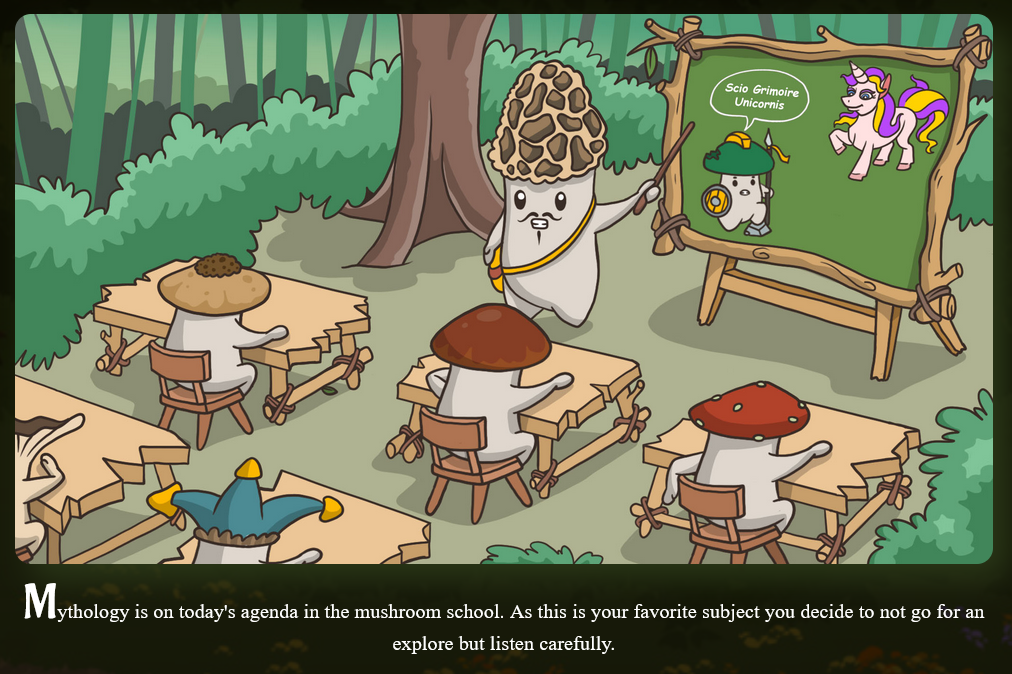
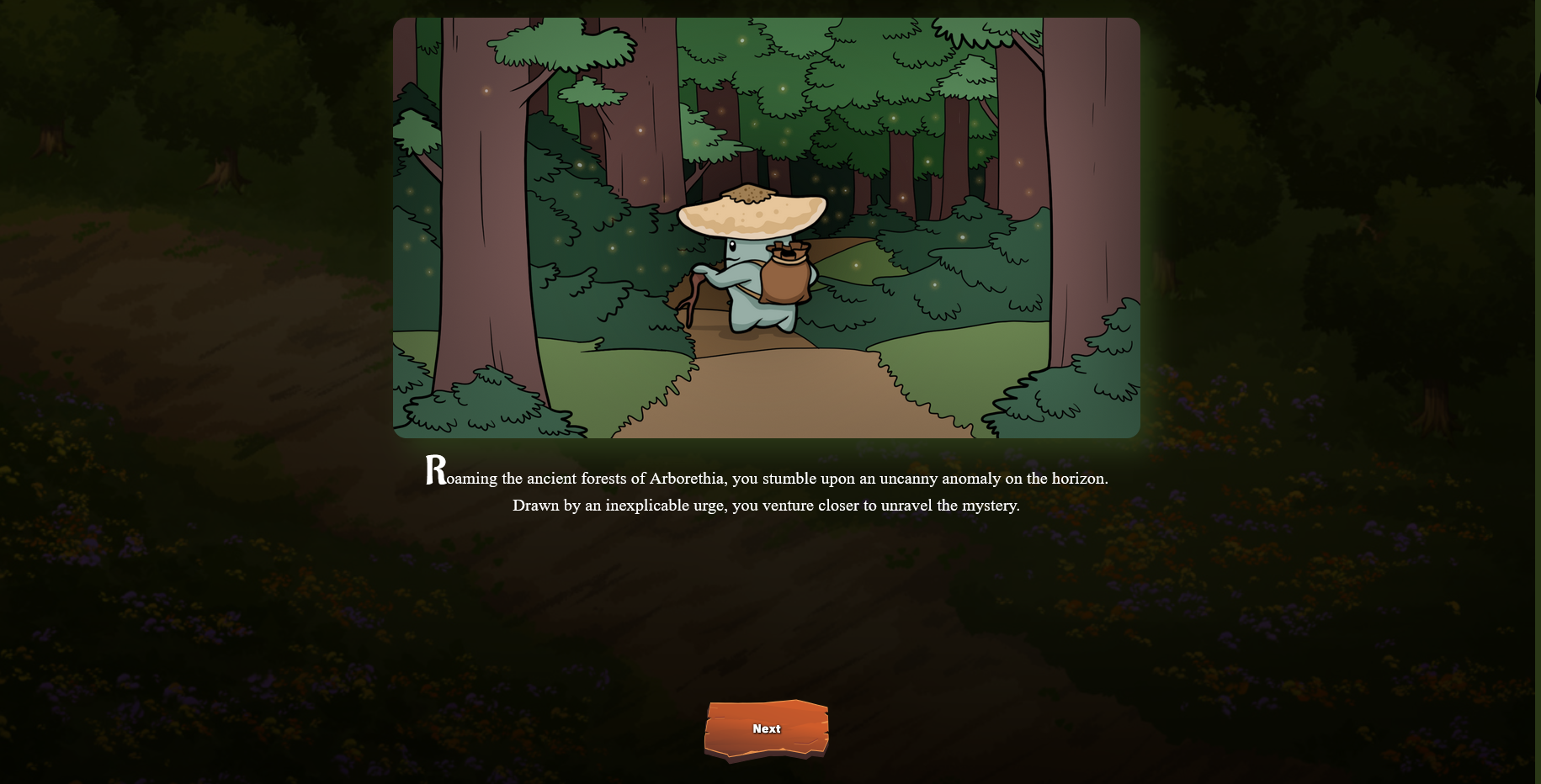
Exploring is a **high-risk, high-reward activity** designed to challenge players and their Champz. It offers the chance for substantial gains but comes with the potential for setbacks.
***
**How to Explore**
1. Navigate to the **Character Screen** in the Barracks.
2. Select the **Explore Option**.
3. Dedicate **2 Action Points (AP)** to initiate the exploration.
***
**Explore Event Mechanics**
* **Types of Events**:
* **One-Dimensional**: Simple, single-outcome events.
* **Complex Decision Trees**: Multi-step events with branching paths based on your choices.
* **Potential Outcomes**:
* **Positive Results**:
* Gain EXP.
* Earn Spores.
* Acquire valuable items.
* **Negative Results**:
* Lose AP.
* Suffer a reduction in Spores or EXP.
* Encounter additional penalties affecting progression.
***
**Strategic Considerations**
* Exploration outcomes are unpredictable, making it a test of risk tolerance and decision-making.
* Weigh the **potential rewards** against the **cost of AP and possible losses** before committing to an exploration.
Explore bravely and uncover the game's hidden treasures!
Exploring will often come with special events for various real-life events such as Halloween, Easter and we have a lot of ideas to make exploring a really exciting functionality.